Drop in your image
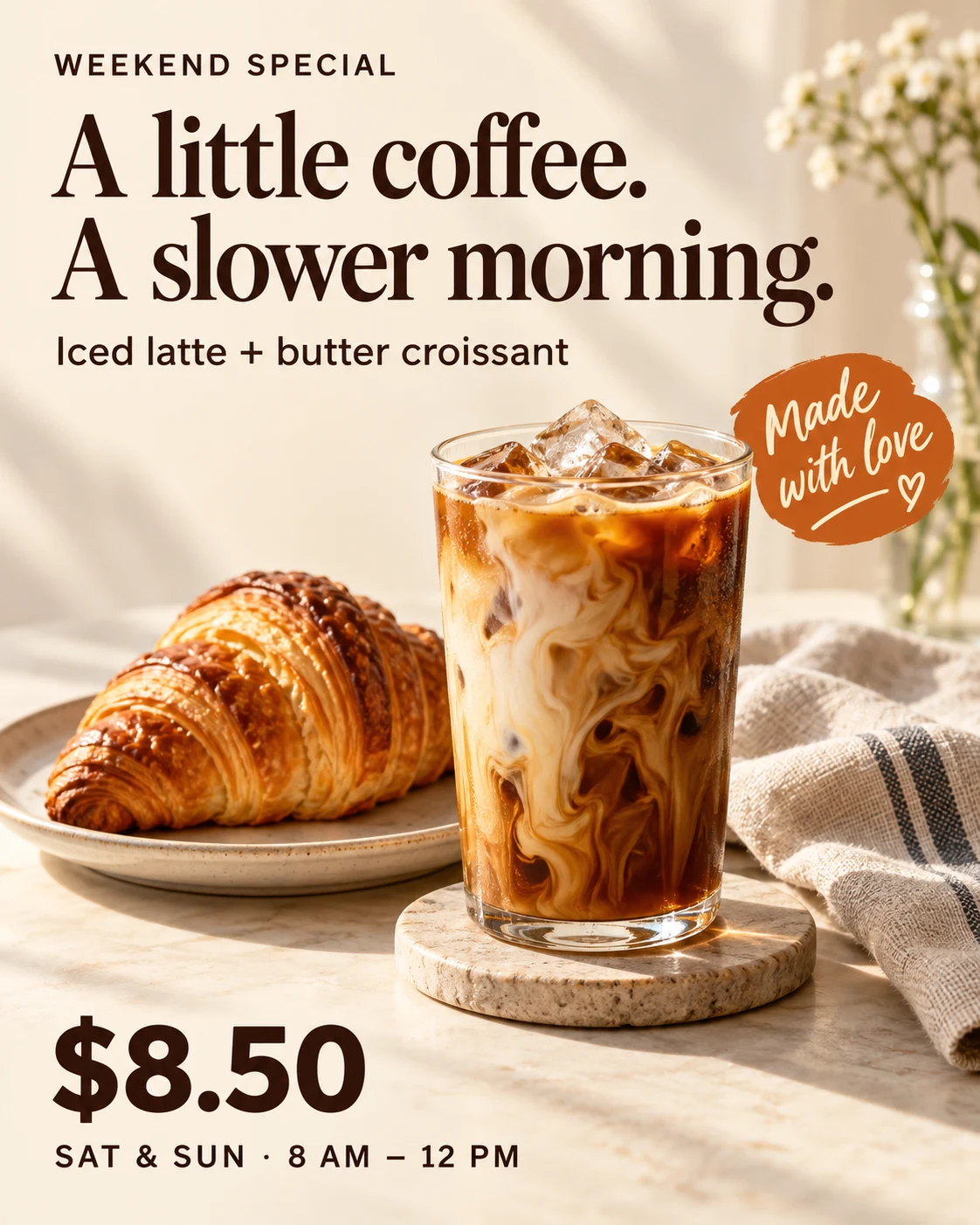
A poster, a product shot, a menu.
We’ll find the text for you.
 edit image text.ai
Upload an image. We’ll find the words.
Edit ordinary text instantly, and artistic text with AI.
PNG, JPG or WebP · Up to 20 MB
Uploads use 1 credit to scan, then 20–70 credits to automatically prepare editable text when possible. Instant changes are free. Try the sample for free.
Free downloads include an editimagetext.ai watermark. Get watermark-free downloads with a valid paid plan or credit pack.
Refresh a headline while keeping the look you love.
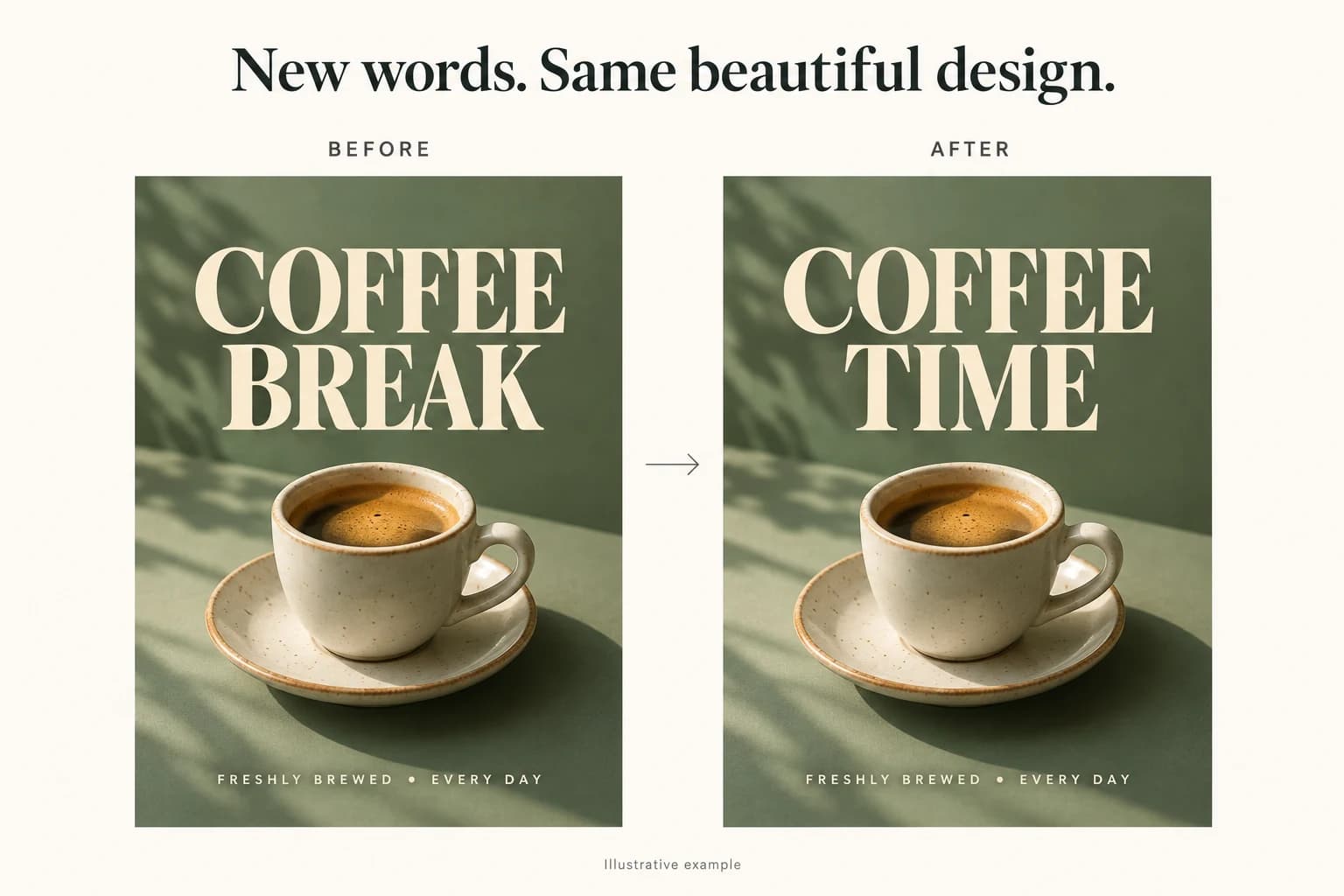
That image is almost perfect.
Let’s fix the words.
A poster, a product shot, a menu.
We’ll find the text for you.
Pick the text. Write something new.
Keep the font, or find a new favorite.
AI blends your words into the image.
Download, share, and carry on.
Edit existing text in a photo, poster, menu, or screenshot without rebuilding the image from scratch. Select the words, type your replacement, and ask AI to blend the change into the surrounding design.
Match the original style or choose a new font. Upload PNG, JPG, or WebP, then choose PNG or JPEG output. Review the result, download it, or keep editing another text block.
Try the image text editorFor posters, menus, and product images, explore tips and tutorials on the blog .
Learn how to edit text in a screenshot online. Select existing words, replace the text, match the style, and export your edited screenshot as PNG or JPEG.
Read the guide FONT & STYLE MATCHINGReplace text in an image while aiming to match its original font, colour, and layout. Learn how to select text, fit new wording, and review an AI font match.
Read the guide JPG, JPEG & PNGEdit existing text in a JPG, JPEG, or PNG online with AI. Learn how to select words, replace them, choose output quality, and export as PNG or JPEG.
Read the guideSee plans and credit packs for more room to create.
Upload a PNG, JPG, or WebP image. Sign in to detect its text automatically, or draw a box around the words. Enter the replacement, choose a font and output resolution, then generate and download your edited image.
Choose Match original to ask AI to follow the existing font, colour, and layout. You can also choose another font. Font matching is approximate, so review small text, unusual lettering, and backgrounds before using the result.
You can edit the sample image without signing up. New accounts receive 30 welcome credits once. AI text detection uses 1 credit; edits use 20, 30, or 70 credits for 1K, 2K, or 4K output. Paid plans and one-time packs are available on the pricing page.
Yes. Upload a screenshot or photo saved as PNG, JPG, or WebP, up to 20 MB and 40 megapixels. Text detection helps you select existing words; you can draw a region manually if detection misses them.
Yes. Select PNG for lossless output or JPEG for a smaller file before generating. Download the result in your chosen format. Each new AI edit uses the selected resolution’s credit cost.
Choose Edit again to work on the latest result. Select another text block, rescan the image, or draw a new region. Earlier changes stay in the image, and each new AI edit uses credits.