Getting started
How to Edit Text in an Image Without Photoshop
Learn how to change existing text in a picture online: upload your image, select the words, replace the text, match the style, and download as PNG or JPEG.
Read the tutorialBefore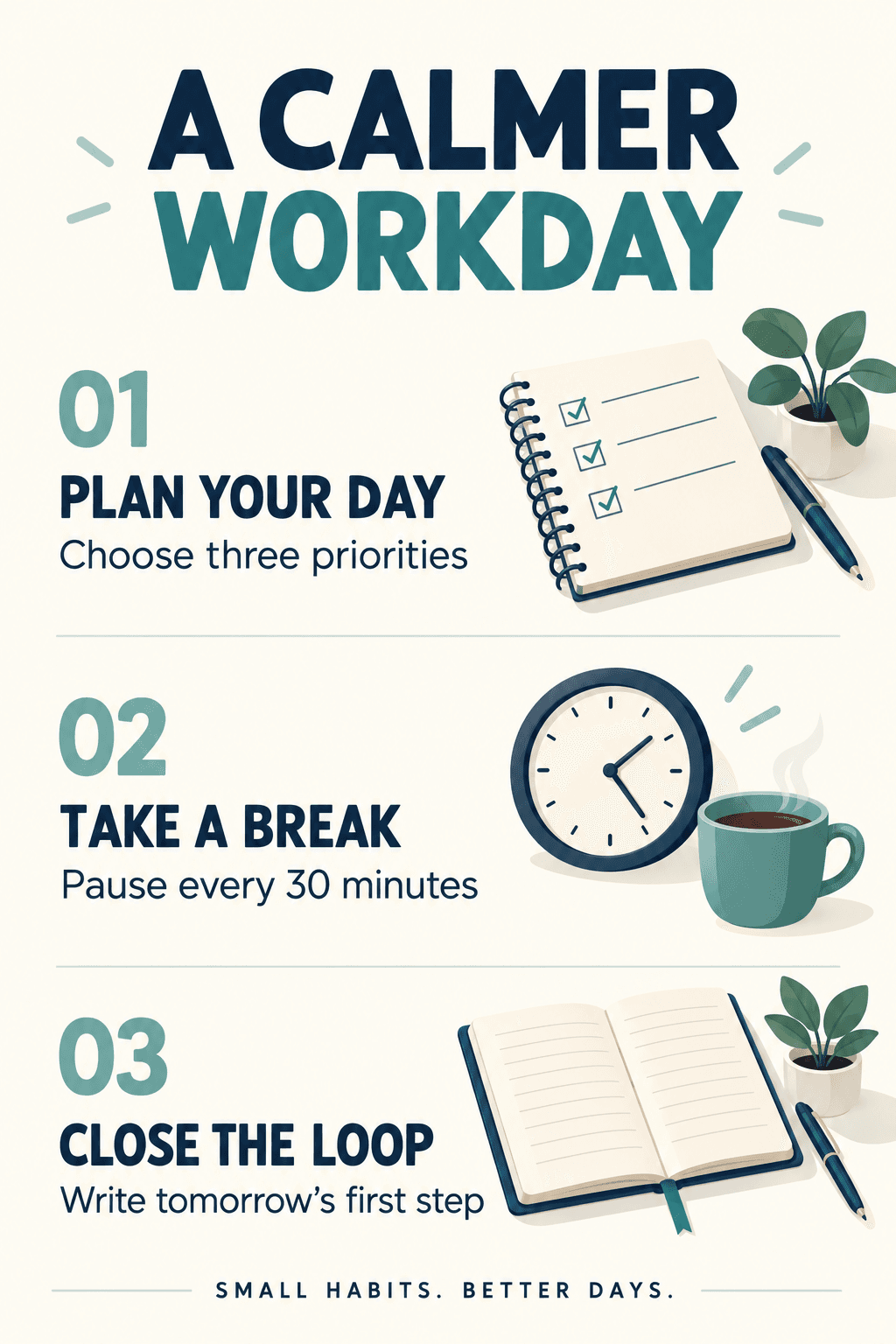
After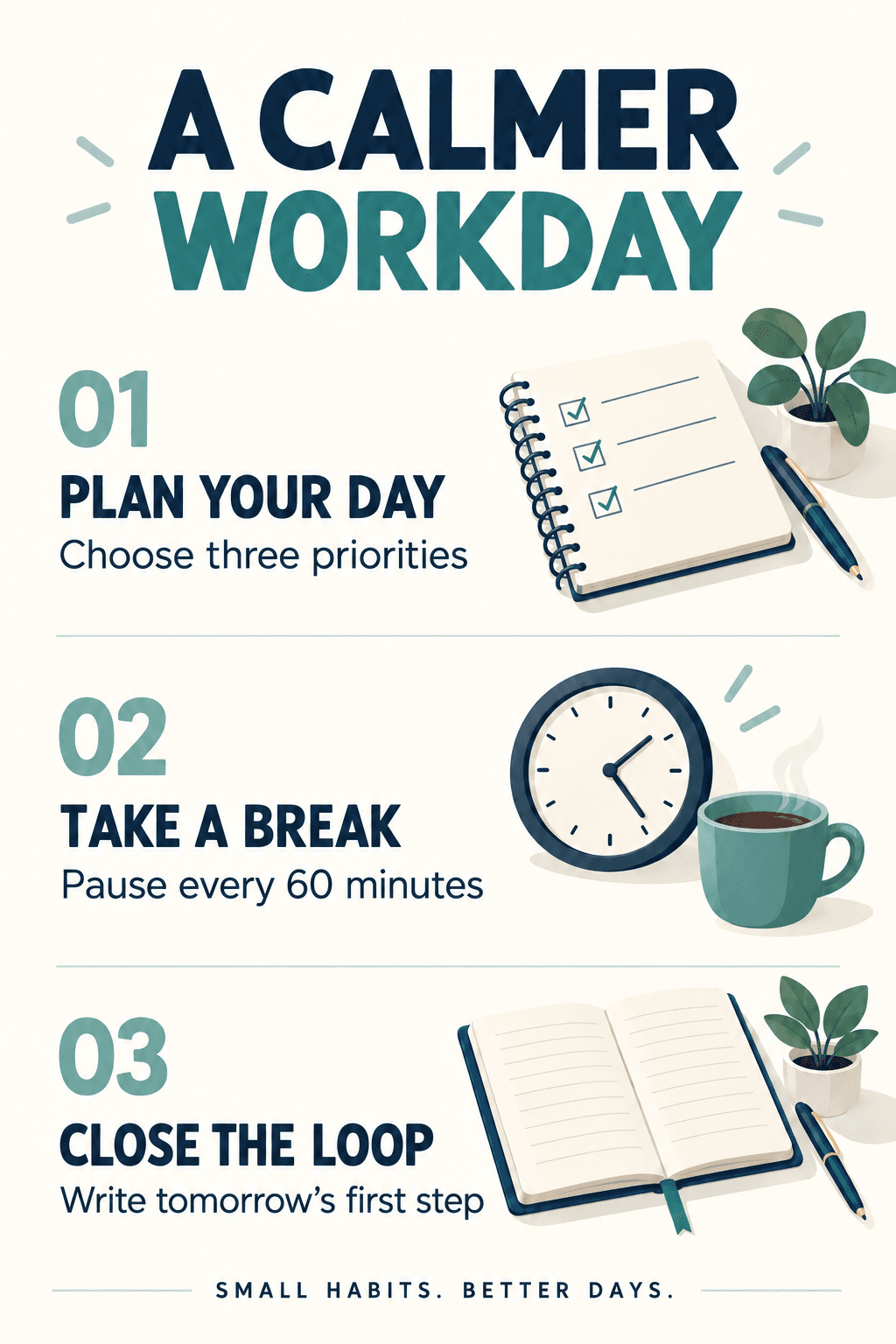
Learn to replace existing words, match the original style, and check your result before downloading. Follow along with an AI-generated practice image, before-and-after examples, and a checklist for every edit.
Learn how to change existing text in a picture online: upload your image, select the words, replace the text, match the style, and download as PNG or JPEG.
Read the tutorial

Update a date or time on a finished poster without rebuilding the design. Follow a practical workflow for selection, font matching, and checking your result.
Read the tutorial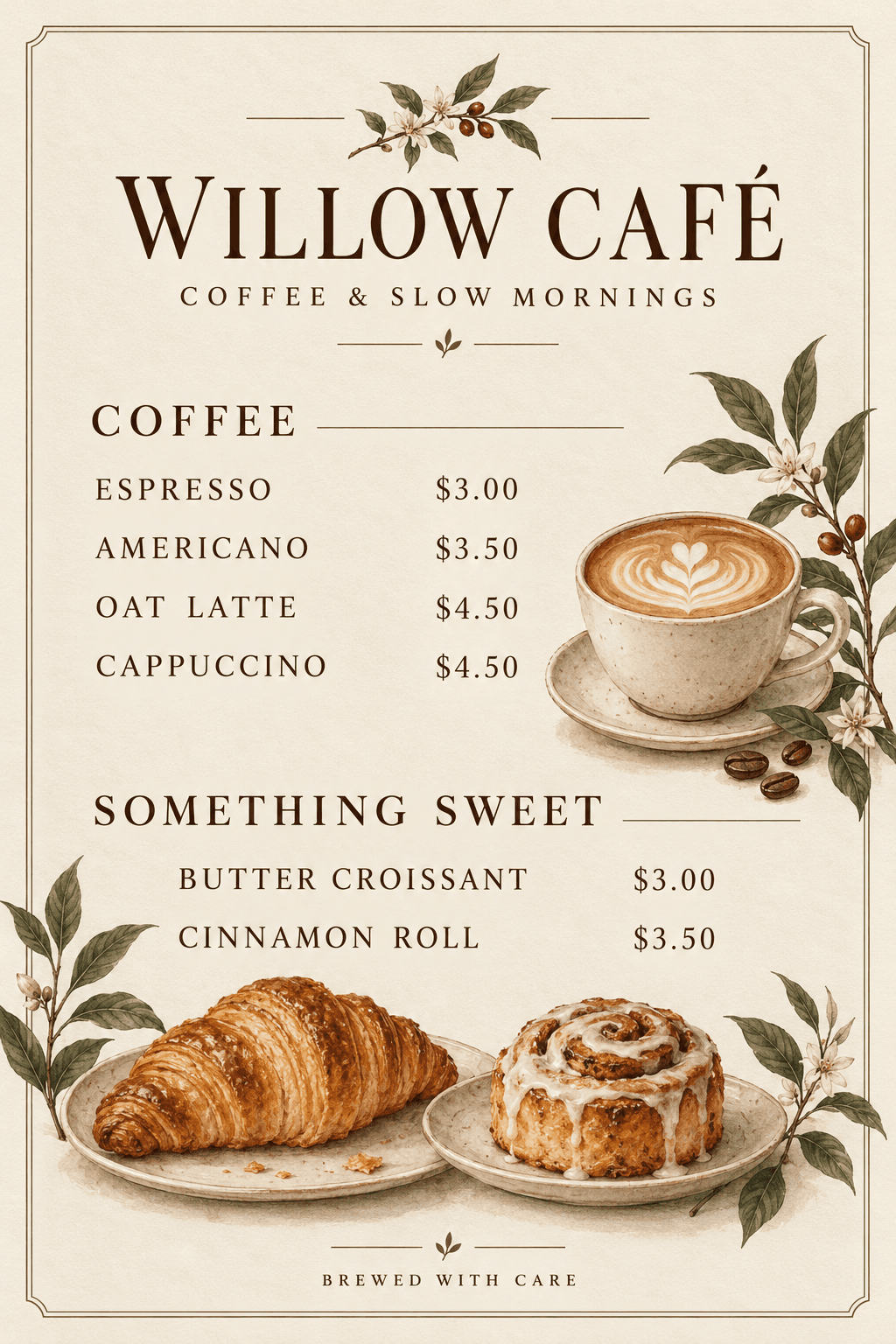
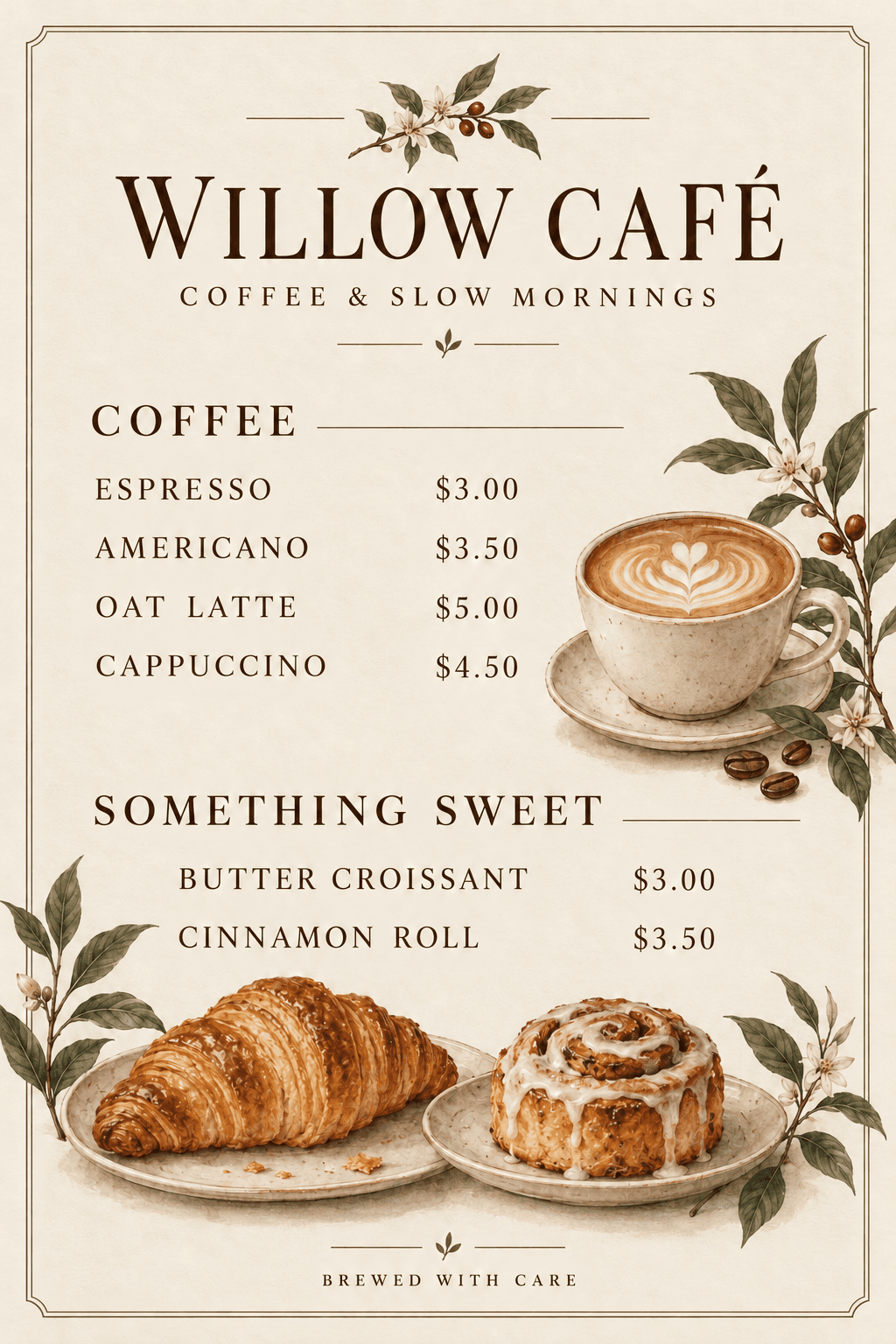
Change a price in a JPG or PNG menu using AI. Learn how to select complete prices, preserve alignment, review every digit, and update more than one item.
Read the tutorial

Correct spelling and fix typos in an image online. Follow a worked headline example, match the original text style, and check the result before downloading.
Read the tutorialThese step-by-step guides walk you through the editor.
Try the sample, or start with your own words.
Open the editor